
Security for admins

How do I keep control of all agents in our workspace?

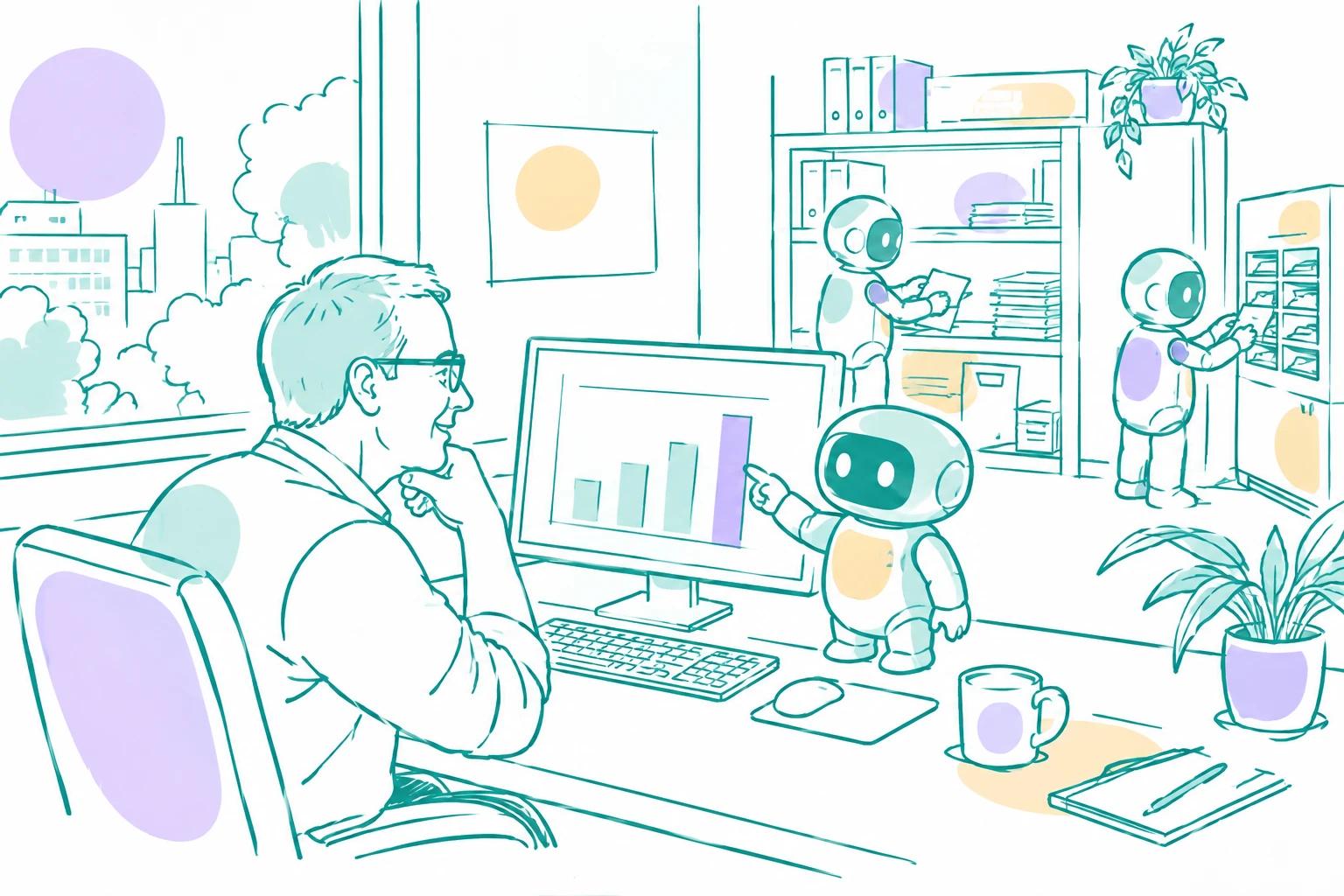
An IT admin looks at a list of agents on his screen while a small AI agent points at one row, and colleagues work with their own agents in the background

When fifty people build agents, you can’t check each one by hand. You need rules that apply to everyone, and one place to see what every agent can reach.

The challenge

Each agent owner makes their own choices. Most are sensible, some are not. Some agents are personal, and you shouldn’t read what’s inside them. Yet you are the one who has to answer when someone asks: "Which agents can reach our customer data?"

A short story

Ahmed is the workspace admin. People across the company have started building agents.

He sets the rules once. In the workspace capability settings, he locks the email rule for every agent: each agent needs an allow-list, and email to anyone outside it waits for approval. Owners still choose who is on their own list, but they can’t switch the rule off.

He looks at the whole picture. In Agent management he filters on the connection to the company’s CRM. Five agents come up. One is a personal agent. Ahmed can see who owns it, what it’s connected to and how many credits it uses, but not its instructions, chats or documents. That’s by design. He asks the owner what it’s for.

Another is a restricted agent that is open to outside systems through a webhook. To check it, Ahmed gives himself access. The step is logged, and the agent’s owners can see it in the agent’s activity log.

He hears when something happens. One morning he gets an alert: attack detection blocked an email with hidden instructions sent to Sara’s invoice agent. Thanks to the email rule, the agent couldn’t have sent anything to an unknown address without Sara’s approval anyway.

Ahmed doesn’t read every agent. The rules hold everywhere, and he can see what each agent can reach.

How does Abundly help admins keep control?

Grouped by what you need, not by feature.

  • 1

    Set the rules for everyone

    Decide once, for the whole workspace.

    • Capability rules let you switch capabilities on or off for everyone, and preset or lock settings such as the email allow-list and approval rule.
    • Teams can add stricter rules, but can’t turn on what the workspace has switched off.
    • Choose which models agents may use.
  • 2

    See every agent

    One list of all agents, including personal and restricted ones.

    • Agent management shows each agent’s owners, who has access, its capabilities, connections to other systems, which agents it talks to, and whether it is open to the outside (chat widget, API, webhooks).
    • Filter to answer questions like "which agents can reach our CRM?"
  • 3

    Oversight without snooping

    Private agents stay private, but never invisible.

    • Personal and restricted agents show their owners, connections and credits, but not their content.
    • To look inside a restricted agent, you give yourself access, and that step is logged. You can’t add yourself to someone’s personal agent.
    • You can still switch any agent off, limit its credits, change its model or delete it.
  • 4

    Know what happened

    Alerts when something is blocked, and a record of every change.

    • Attack alerts go to the admins, or to a list of people you choose.
    • The user action log records changes to agents, teams, workspace settings, secrets and documents. It also shows who was invited, who joined, whose role changed and who was removed. Filter by person, team or type of event, and export it.

Where do I start?

  1. 1

    Set the rules

    Lock the email allow-list, with approval for everyone outside it, for all agents.

  2. 2

    Check what agents can reach

    Filter Agent management on your most important systems.

  3. 3

    Decide who gets alerts

    Choose who hears about blocked attacks.

Do you own an agent? See How do I make my agent safe?

Is my data safe with Abundly?

Security goes all the way down to the infrastructure. Read how we protect your data

See it in your own workspace

We will walk you through the platform with your own agents and rules in mind.